Why document workflow automation matters more than you think
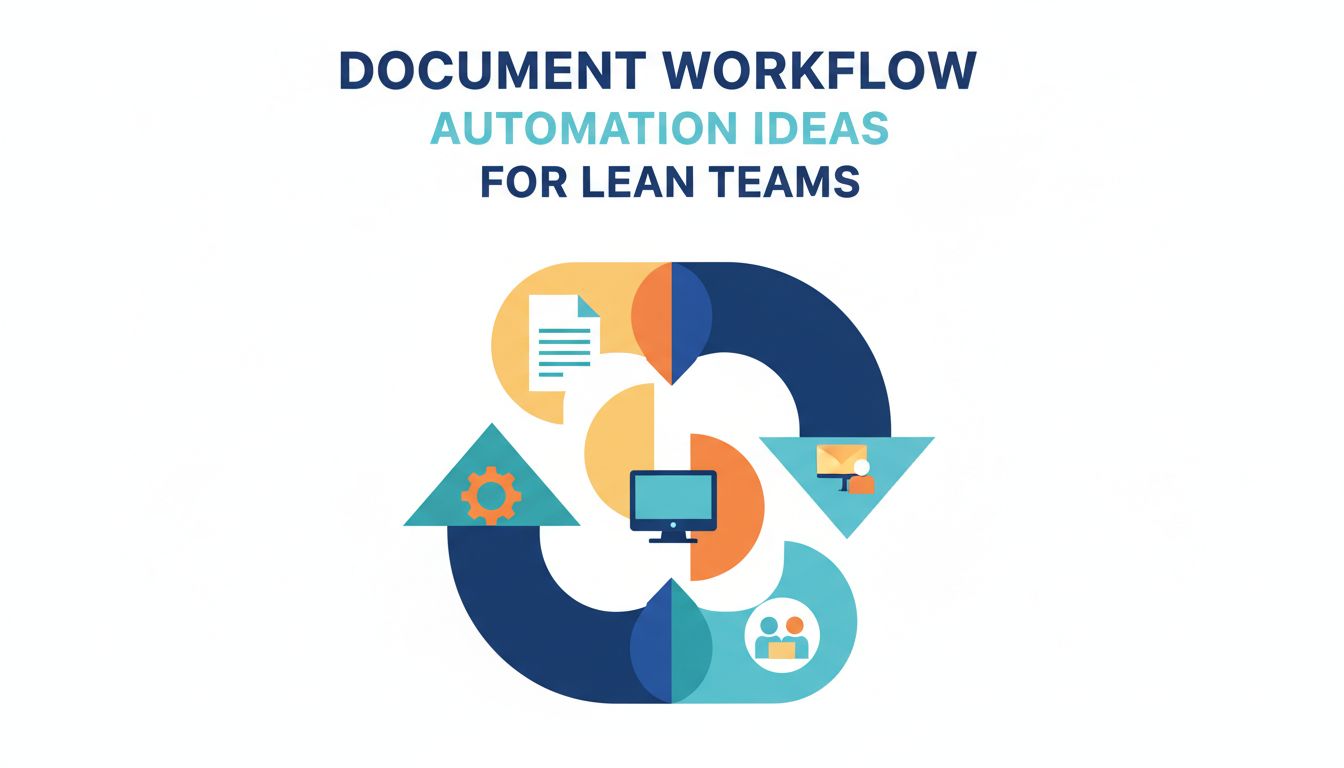
If your team touches PDFs even a little, you already have a document workflow. The only question is whether it is intentional and automated, or accidental and held together by copy paste and heroic humans.
Those “small” manual steps look cheap. Drag file here. Download there. Paste a value. Re-enter an address.
At SaaS scale, they quietly become one of the most expensive parts of your product.
This is where document workflow automation ideas stop being a nice-to-have and start looking like product strategy.
The quiet cost of manual PDF handling in B2B SaaS
Picture a typical flow.
A customer uploads a contract, an ID document, a purchase order, or some messy multi-page PDF. Someone on your team opens it, reads it, finds the 3 fields that actually matter, then retypes them into your system.
Five minutes of work. No big deal.
Now multiply that by:
- Hundreds or thousands of customers
- Multiple documents per customer
- QA checks, corrections, and back-and-forth
You have a hidden queue of humans doing what your product was supposed to automate.
The real cost is not only salary. It is:
- Latency between “customer did the thing” and “system reacted to it”
- Context switching for people who should be building or supporting, not parsing
- Error rates that look small individually and catastrophic in aggregate
Even worse, you start designing features around what your team can handle, not what would actually be great for customers.
[!NOTE] If you are ever saying “we will just have ops handle that part for now,” you are probably leaking more money and customer trust than you think.
How broken document flows slow product velocity and revenue
Manual or brittle document flows do not just hurt operations. They slow your roadmap.
Imagine these two scenarios.
Team A
PM proposes a new onboarding step that asks users to upload a vendor contract, extracts key terms, then suggests configuration automatically.
Engineering says: “We can hook into our existing parsing flow. Low risk. Let’s ship it.” They go from idea to shipped experiment in a sprint or two.
Team B
Same idea. Different reality.
Engineering says: “We still need to maintain that custom parsing script. Legal is nervous about edge cases. Ops is at capacity. We cannot add another PDF type without hiring.”
The idea dies quietly. Multiply that across a year of roadmap planning.
Broken document flows do three things:
- Make every document-related feature “expensive” in estimation.
- Increase risk around edge cases, which scares both product and compliance.
- Introduce unpredictable delays that wreck SLAs and customer trust.
If documents are part of your product, your document infrastructure is part of your velocity. You would never ship a product on an unreliable database. Yet many teams ship critical workflows on unreliable PDF parsing.
That gap is where the opportunity sits.
The hidden cost of building your own parsing and workflows
Most teams learn this the hard way.
At first, building your own parser feels smart. You have strong engineers. There are libraries. PDFs are “just files,” right?
Then the real world shows up.
Where DIY document parsing usually falls apart
PDFs are not one thing. They are a zoo.
Same “type” of document, multiple templates. Same template, different encodings. Scanned one day, native the next. Someone prints to PDF from a weird legacy system.
Your beautiful regexes and positional logic work in staging, then fail on the first messy customer upload.
Common places DIY parsing breaks:
- Minor layout shifts move fields a few pixels and your coordinates logic explodes
- Scanned PDFs introduce OCR noise that ruins your assumptions
- Multi-language or regional formatting (dates, currencies, tax IDs) slip past initial specs
- Documents that look visually the same but are built with completely different internal structures
So you start patching.
Another if block here. Another special-case handler there. A few “temporary” admin tools so ops can fix parsing failures manually.
Six months later, you have a small internal product. It has no owner, no roadmap, and no tests anywhere near what production needs.
[!IMPORTANT] DIY parsing is not just “a feature”. It very quickly becomes a platform. Platforms need owners, reliability budgets, and long-term investment. Most teams underestimate that by an order of magnitude.
Why reliability, not features, becomes the real bottleneck
You do not need the fanciest parsing. You need parsing that works every single day with weird, messy, real customer documents.
Feature conversations often sound like:
- “Can it extract tables?”
- “Does it support X file type?”
- “Can we add another field?”
The better question is: What happens when it fails?
Because it will.
When reliability is weak, your entire team behavior changes:
- Product stops proposing automation that touches documents.
- Engineering pads estimates for anything PDF-adjacent.
- Sales and CS quietly avoid promising anything that depends on parsing.
You start hearing phrases like “we do not trust that pipeline” or “let us not touch the document flow, it is fragile.”
That is the true cost. Not the server bills. Not the first version of the parser.
It is the gravity that forms around an unreliable subsystem. It pulls your product strategy inward and keeps you from shipping the features that would differentiate you.
This is exactly the space where tools like PDF Vector aim to sit. Parsing is not just an API call. It is infrastructure you should be able to depend on and mostly forget about.
What a reliable document workflow actually looks like in practice
Let us make this concrete.
What does “reliable” look like when you zoom out from the single API call and look at the full experience?
From upload to insight: a simple end-to-end flow
Take a generic B2B SaaS example. You handle contracts, POs, or onboarding docs.
A robust document workflow might look like this:
Upload User drags a PDF into your UI. The file is streamed directly to your backend or storage. You return an immediate “upload received” state. No spinning forever.
Parsing & extraction Your backend posts the file to a parsing API such as PDF Vector. You define structured outputs: dates, names, totals, line items, IDs. You get a parsed payload plus a confidence score per field.
Validation & enrichment You run business rules. Is the invoice date within allowed range? Do the vendor IDs exist in your system? Does the total match the sum of line items?
Decisioning If everything checks out, you automatically approve, create records, and trigger the next workflow step. If something looks off, you flag it and route it to either the user or an internal queue with clear reasons.
Feedback loop You log failures and low-confidence fields so you can improve mapping, validations, or training data, rather than chasing random bugs.
Notice what is not happening. No engineer is grepping logs at 11 p.m. No ops person is retyping fields from screenshots.
The product owns the experience. The parsing engine owns the grunt work.
Owning the UX while delegating the parsing heavy lifting
The worry some teams have is: “If we outsource parsing, what is left that is truly ours?”
Short answer: almost everything that matters.
You still own:
- How uploading feels. Drag and drop, progress states, error recovery.
- How quickly users see feedback when a doc fails or looks suspicious.
- How parsed data flows into your core models, analytics, and automation.
- How you surface confidence scores and give users control.
The parsing provider handles:
- Low-level understanding of PDFs and related formats.
- OCR, layout analysis, tables, weird encodings.
- Continuous model and rules improvements across many customers, not just you.
This separation is healthy.
It lets you treat document parsing like you treat your database or message queue. Critical, but not something you reinvent unless it is truly your core competency.
PDF Vector, for example, exposes parsed data and layout in developer friendly ways. You can decide what gets automated, what gets reviewed, and how strict your validations are, without spending your roadmap on PDF idiosyncrasies.
[!TIP] A simple litmus test: if a user complains about “PDF parsing” directly, that is your vendor’s problem. If they complain about “your onboarding feeling slow or confusing,” that is yours. Design so you can clearly own the latter and delegate the former.
Concrete automation ideas you can ship in the next quarter
Let us get specific. Here are document workflow automation ideas that lean teams can realistically ship in a quarter, without rewriting your product.
Onboarding and KYC flows that do not require humans in the loop
If you do any KYC, vendor onboarding, or account verification, documents probably clog your funnel.
Imagine this flow:
- User uploads an ID or registration document.
- Parsing API extracts legal name, registration number, address, expiration dates.
- Your system checks those against external sources or internal rules.
- The user either gets instant approval, or a clear, guided request for a new document.
No manual review by default. Human review is the exception, not the path.
You can start small.
Automate just the “happy path” cases where:
- Fields are high-confidence
- Dates and IDs pass basic sanity checks
- There is no mismatch with declared data in the form
That alone can drop human touch rates dramatically, without taking regulatory risk.
Then you design your UI to be transparent:
- “We could not read your document” is replaced with “The address on your document does not match what you entered. Fix one of them.”
- Let users correct parsed fields client-side when confidence is low, then send the clean data back.
With a parsing engine like PDF Vector, your team focuses on KYC logic, not font sizes on scanned IDs.
Automated QA checks on incoming contracts, POs, and invoices
Contracts, purchase orders, and invoices are ripe for quiet automation.
Right now, many teams run some version of: “Sales or ops uploads the PDF, then someone skims it to make sure nothing crazy slipped through.”
You can codify a lot of that.
Ideas:
- Automatically detect contract start and end dates, compare to what is in your CRM.
- Flag contracts where auto-renewal or notice periods differ from your standard.
- For POs, ensure currency, totals, and line items match what is in your system.
- For invoices, confirm tax rates, vendor details, and payment terms align with your rules.
When docs are parsed into structured fields, all of this becomes straightforward SQL and simple checks.
This is not about replacing legal. It is about catching 80 percent of issues before a human ever opens the PDF, and routing only the tricky 20 percent with context.
You also build history. Over time, you can track which customers or document types cause issues and adjust templates, training, or expectations.
Proactive alerts when a document breaks your expected schema
Here is a fun one that most teams miss.
You probably assume documents come in a certain shape. Page with header, table of line items, totals at the end. That sort of thing.
What if you made your system explicitly aware of its assumptions?
You can:
- Define a “schema” for each document type: which fields are required, which are optional, what ranges and formats are acceptable.
- For each incoming document, compare parsed results against that schema.
- Trigger proactive alerts when the document no longer matches.
For example:
- A vendor changes their invoice layout and your system suddenly cannot find totals.
- A partner starts sending POs with additional tax lines you did not expect.
- A government document redesign introduces new sections that confuse older parsing logic.
Instead of silent failures or weird numbers showing up weeks later, you get a clear signal: “This document deviates from what we consider normal for this template. Here are the differences.”
That is incredibly valuable for lean teams. You move from reactive bug-chasing to proactive observability in your document layer.
Parsing platforms like PDF Vector can help by exposing structural information, not just text, which makes this type of schema validation much more powerful.
How to choose (or design) the right document parsing API
If you decide not to build everything yourself, the next question is obvious. How do you pick a parsing API that will not become tomorrow’s bottleneck?
Here is a way to think about it that goes beyond simple feature checklists.
The non‑obvious questions engineers should ask vendors
Everyone asks “Do you support X file type?” and “What is your pricing?” Those matter, but they are table stakes.
The deeper questions are about behavior under real conditions.
Use questions like these:
| Area | Question to ask vendor | Why it matters |
|---|---|---|
| Failure behavior | How do you signal partial failures or low confidence on specific fields? | You need granular control, not just 200 vs 500. |
| Versioning | How do you roll out model updates and can we pin versions? | Surprise changes in parsing can break your workflows. |
| Latency & batching | Typical and p95 latency for realistic docs? Any batch options? | Impacts UX and backend design for bulk uploads. |
| Schema support | Can we define expected fields and constraints? | Enables validation, not just extraction. |
| Observability | What logs and metrics can we access per request? | You need to debug production, not just dev playgrounds. |
| Data governance | How is customer data stored, encrypted, and used for training? | Especially sensitive for KYC and financial workflows. |
| Customization | Can we tune parsing to our specific templates without running our own ML? | Keeps you agile without building a data science team. |
Good vendors will love these questions. If they cannot answer clearly, treat that as a signal.
For a product like PDF Vector, these are core design constraints. You get structured responses with confidence info, versioning controls, and the sort of observability that makes debugging less of a guessing game.
Designing for failure modes, not just the happy path
This is where most teams either build something resilient or end up in a world of pain.
Do not design your workflow assuming 100 percent of documents will parse perfectly. Design it expecting a mix of:
- Fully successful parses
- Partially parsed docs with some low confidence fields
- Complete failures due to corrupt files, unknown layouts, or bad scans
Each of these should have a clear path.
Some patterns that work well:
Graceful degradation If some non-critical fields are low confidence, proceed but tag the record. Let users fix data later, with context visible.
Structured review queues Route truly problematic docs to a review interface that shows the PDF, parsed fields, and reasons for failure. Make it fast to correct and resubmit.
User-facing transparency When you cannot process something, say exactly why. “We could not read your document” is lazy. “The file you uploaded is a photo. We only accept text-based PDFs right now” is honest and fixable.
Feedback into parsing Use corrections and manual fixes to improve mappings or custom rules. Over time, your failure rate should trend down without big rewrites.
[!TIP] During design, literally write down: “When parsing partially fails, here is what the user sees. Here is what ops sees. Here is what engineering sees.” If you cannot describe it, you do not have a reliable workflow yet.
A parsing API is not your workflow. It is a component.
Your job is to wrap it in product thinking, clear failure handling, and observability that keeps your team confident as you scale.
If documents are central to your product, they are central to your roadmap. Ignoring that does not make the complexity vanish. It just hides it in manual labor and fragile scripts.
The teams that win here are not the ones that build the cleverest regex parser. They are the ones that treat document workflows like first-class infrastructure, then apply automation where it frees humans to do the work only humans can do.
If you are at the stage where PDFs and document handling are starting to dictate what you can and cannot ship, it might be time to map your flows and see where a dedicated parsing engine such as PDF Vector could take over the heavy lifting.
Start small. Pick one document type, design the ideal automated flow, and prove to yourself that you can ship faster once parsing stops being the bottleneck.